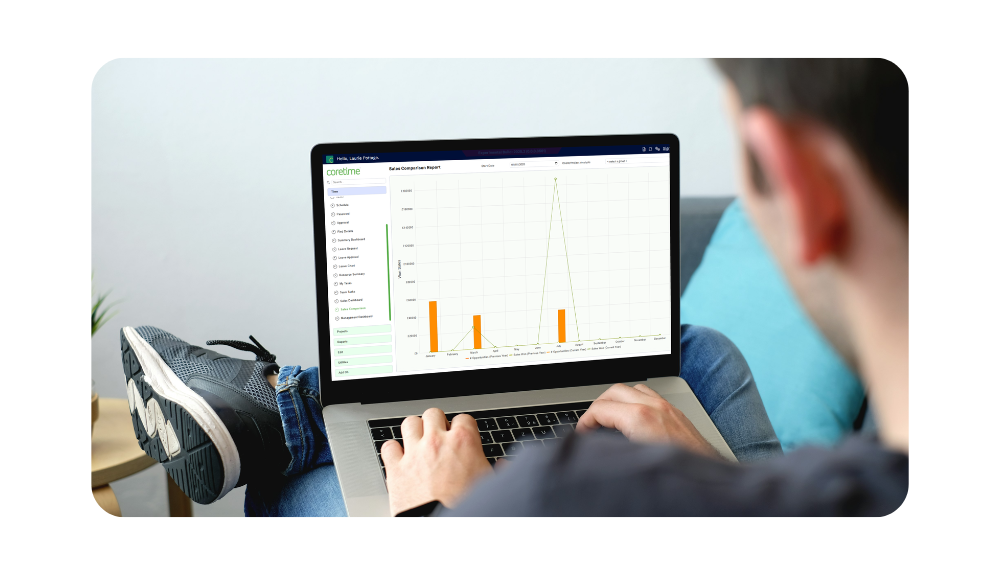
1. Work in Progress report
The Work in Progress (WIP) report shows the value of time and expenses recorded against a project that have not yet been invoiced to the client.
The main benefit is improved cash flow and reduced revenue leakage. With real-time WIP visibility, you can see exactly how much unbilled work is sitting in your system and make sure no billable time is missed at month end.
2. Project Financial Summary
The Project Financial Summary gives you a high-level view of project health, showing budget versus actual spend across time, expenses and costs.
This report acts as an early warning system for scope creep and overspend. Instead of discovering a project is over budget after the fact, you can spot issues while the work is still live and take action before your margin is lost.
3. Employee Activity and Utilisation reports
Employee Activity and Utilisation reports show how staff are spending their time, with a clear view of billable versus non-billable hours.
These reports are especially useful for resource planning. They help you identify whether senior team members are spending too much time on admin, whether workloads are balanced fairly and whether your most valuable people are focused on profitable work.
4. Project Profitability report
The Project Profitability report calculates the actual margin on each project by comparing staff costs against the fee charged to the client.
This makes future bidding more accurate. By reviewing profitability across different clients and project types, you can see which work drives strong returns and which jobs consistently drain resources.
5. Aged Debtors report
The Aged Debtors report tracks outstanding invoices and shows how long they have been unpaid.
This is a critical credit control tool. It helps finance teams and project managers stay on top of collections, improve payment follow-up and keep cash moving through the business.
Why reporting matters
Data is only useful when it is easy to access and act on. The advantage of Coretime’s reporting suite is that it gives teams live visibility rather than static spreadsheets that quickly become out of date.
As soon as a consultant submits a timesheet or uploads an expense, the information updates across the system. That means better decisions, faster responses and a more proactive approach to project profitability.